Lesson reminders for tutors are emails sent automatically to parents before each lesson, so families turn up on time and online students have the link ready. TutorFlow sends them 24 hours and 1 hour before by default, shows the time in the family's own timezone and includes your meeting link for online lessons.
The no-show problem in a tutor's week
Every tutor knows the feeling. It's 4:05 pm, you're logged into Zoom, and nobody's there. Five minutes later a parent texts: "So sorry, forgot it was today." Or you've driven 20 minutes to a family's house and the student is at footy training.
Most missed lessons aren't rudeness. Families juggle sport, school events, siblings and shift work, and a weekly tutoring slot is easy to lose track of, especially after holidays or a reschedule. The fix is simple and boring: a reminder at the right time. The problem is sending them by hand. Texting 20 families a day before their lesson is a job that quietly eats your evenings, and it's the first thing to slip in a busy week.
Automatic tutoring reminders should:
- Go out without you thinking about it, for every lesson on your calendar.
- Show the right time for the family, even if they live in another state.
- Include the meeting link for online lessons, so nobody's hunting through old emails.
- Never double up, and never remind people about a lesson that's been cancelled.
How lesson reminders work in TutorFlow
Reminders come from your calendar. Once your students and lessons are in TutorFlow, there's nothing extra to schedule.
Turn them on
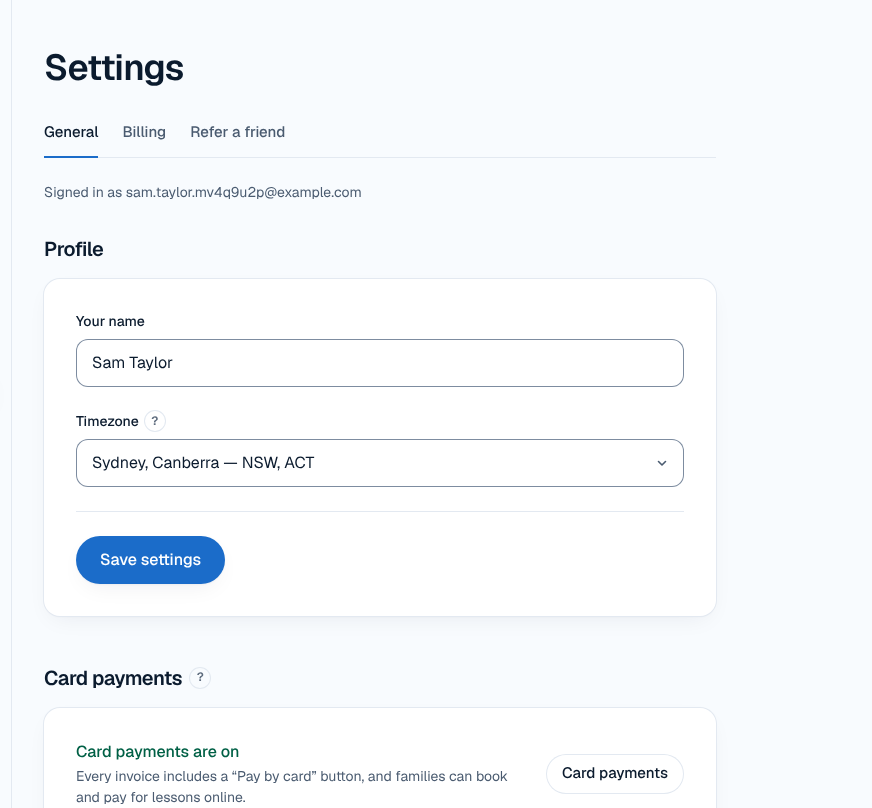
- Go to Settings and find Lesson reminders.
- Under Send reminders, tick when they go out: 2 days before, 24 hours before, 2 hours before, 1 hour before or 30 minutes before. The default is 24 hours and 1 hour before.
- Leave Email me too ticked if you'd like a copy yourself.
- Save.
That's it. Every scheduled lesson from then on gets its reminders, including each lesson in a repeating weekly series.
Choose who gets them
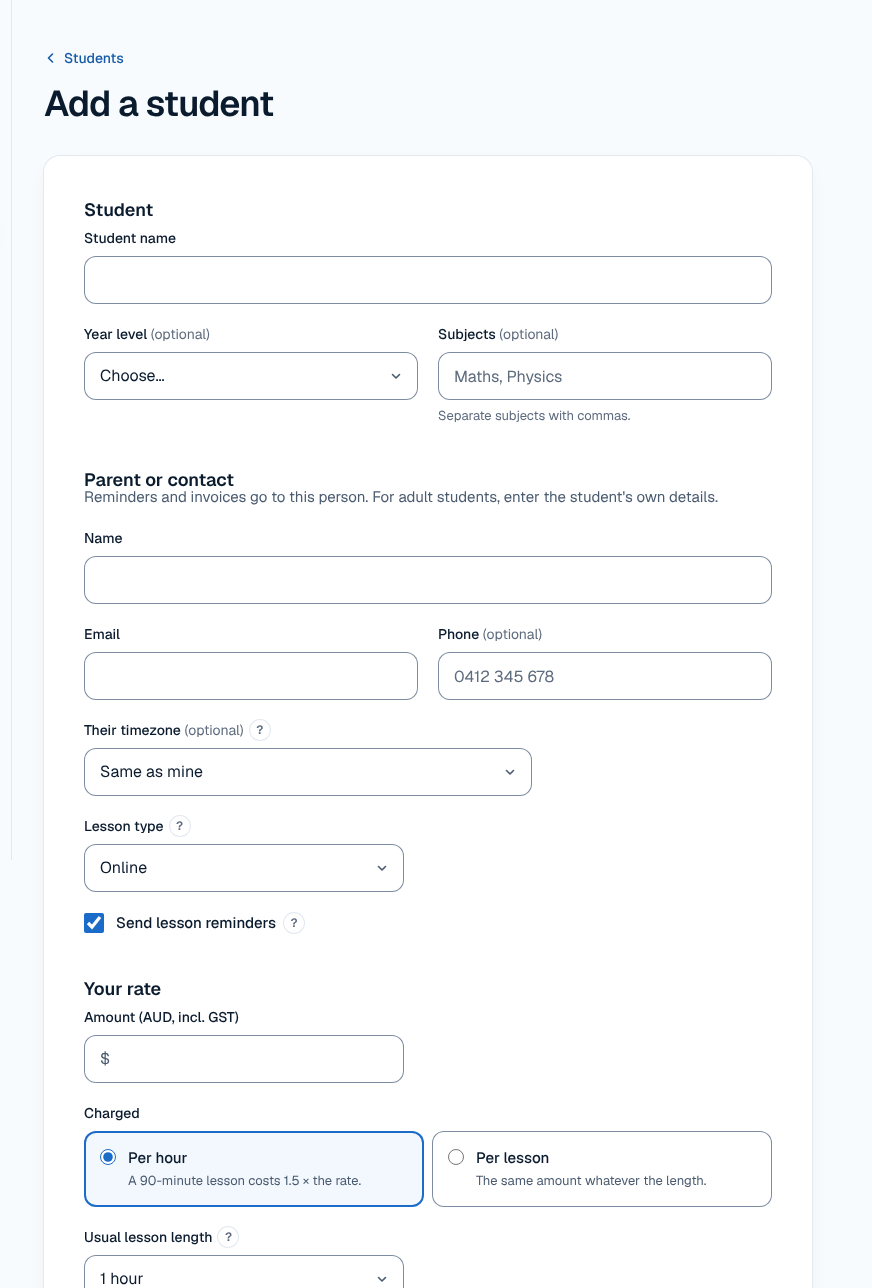
Reminders go to the parent's email on the student's record. For in-person students, you can untick Send lesson reminders on the student if a family doesn't want them. Online students always get reminders, because the email carries the meeting link they need to join.
Older students can get their own reminders too. Add a Student email to the student and tick Send the student lesson reminders. It's off unless you turn it on, and invoices and booking emails still go only to the parent.
What parents see
A short email before each lesson with:
- The student's first name, the date, time and length of the lesson, and your name. Times show in the family's own timezone if you've set one for them (handy for a Perth family with a Brisbane tutor).
- For online lessons, your meeting link (Zoom, Google Meet or Teams) ready to click.
- For in-person lessons, a note that it's in person or as arranged.
Parents don't need an account or an app. It's an ordinary email in their inbox, and if they reply, the reply reaches you.
Details that matter
Never sent twice
Each reminder is recorded before it's sent, per lesson, recipient and timing. Even if something retries in the background, a family won't get the same reminder twice.
Changes are respected
Reminders follow your calendar. If you move a lesson, the reminders follow the new time. If you cancel it, no reminder goes out. That's why it helps to manage changes in TutorFlow, using tutor scheduling software rather than a separate diary.
One meeting link, saved once
You save one meeting link in Settings and it's used for every online lesson. An online lesson can't be saved without it, so a reminder will never go out with a missing link. TutorFlow doesn't connect to the Zoom or Google APIs; it reuses the link you saved.
Paused means quiet
If you pause your subscription (for a term break, say), no reminders go out while you're paused. Your students and lessons are kept.
Reminders are one part of fewer no-shows
Reminders cut down on honest forgetting. For the rest, it helps to have a clear tutoring cancellation policy that families have agreed to. If you want lessons paid before they happen, online booking with prepaid lessons means a missed lesson is no longer an unpaid one.
Who it suits, and honest limits
Lesson reminders suit any tutor with regular students, and they're especially useful for online tutoring, where the link is half the battle. They work the same for one student or forty.
What it doesn't do:
- No SMS or WhatsApp reminders. Reminders are email only.
- No reply inbox. If a parent replies, it comes to you by normal email; keep using the messaging apps you already use.
- No confirm or decline buttons in the reminder. To change a lesson, the family contacts you (or uses their booking link if they booked online).
Reminders are separate from invoice reminders. Overdue payment reminders are set up under Payment reminders and are covered on our tutoring invoice software page.
Frequently asked questions
When do TutorFlow's lesson reminders go out?
By default, 24 hours and 1 hour before each lesson. In Settings under Lesson reminders you can choose any mix of 2 days, 24 hours, 2 hours, 1 hour and 30 minutes before. Reminders are calculated from the lesson's start time, so they stay correct across timezones and daylight saving changes, and they follow the lesson if you move it.
Can I send reminders by text message?
No. TutorFlow sends lesson reminders by email only, and there's no SMS or chat feature. In practice, email works well for reminders because it can carry the meeting link for online lessons and show the time in the family's own timezone. If a family prefers texts, you can keep messaging them in the app you already use.
Can students get their own reminders?
Yes. Add the student's own email address on their record and tick Send the student lesson reminders. It's off by default. The parent still gets their reminder as usual, and invoices and booking emails always go to the parent only. This suits older students in Years 11 and 12 who manage their own timetable.
Will a parent get a reminder for a cancelled lesson?
No. Reminders follow your calendar, so a cancelled lesson gets no reminder and a moved lesson is reminded at its new time. Each reminder is also recorded before it's sent, so the same reminder can never go out twice, even if a lesson is edited close to its start time.
How much does TutorFlow cost?
TutorFlow is free for a month (card required), then $12.50 a month for the first 12 months, then $25 a month or $250 a year. Prices are in AUD and include GST, and you can cancel anytime. Lesson reminders are included along with scheduling, invoicing and online booking.